
Independent Game Guides
What are you stuck on?
Search by game, quest, item, puzzle, route, or blocker. Jump to current locations, co-op setup, quest solutions, and recovery checks for the problem in front of you.
Covered games
Choose a game to see every available guide.
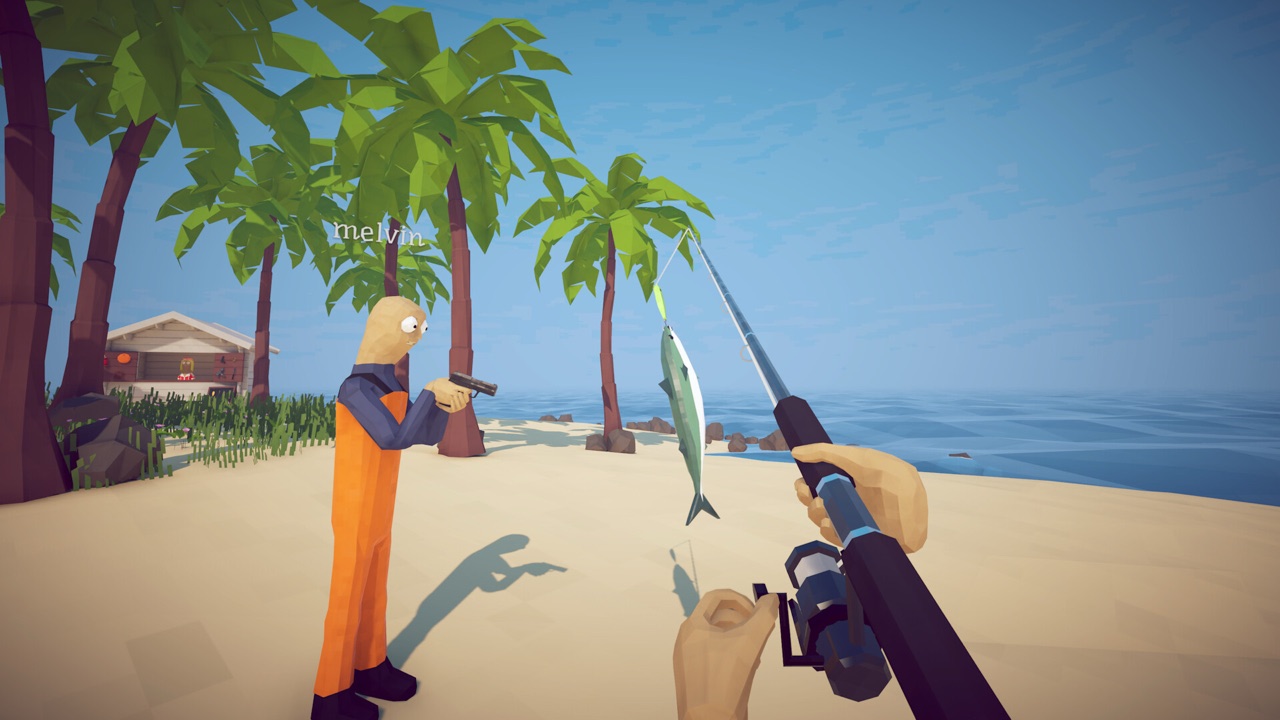
Physics fishing · Co-op · PC
How to Fish
Find help for saving your How to Fish game, moving progress between PCs, choosing a co-op group, or completing the Island 2 Leech quest.
- Edition
- Patch 1.0.12
- Guides
- 3 available
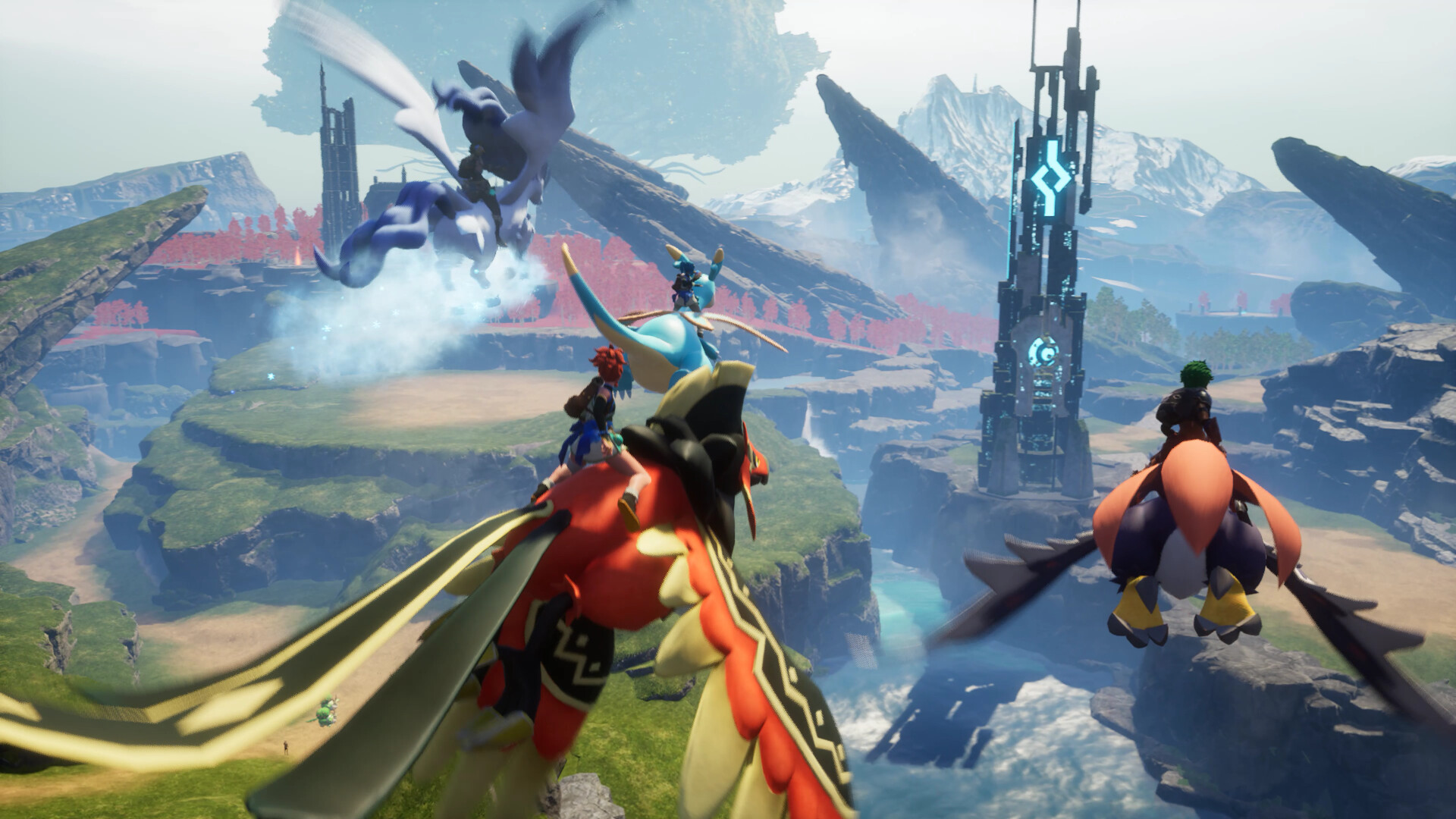
Open-world survival · Creature collection · Cross-platform
Palworld
Current Palworld help for the problems that stop progress: connecting players across platforms, reaching Jetragon's relocated 1.0 Alpha spawn, and collecting Nightstar Sand without wasting time on mining tools.
- Edition
- v1.0.3
- Guides
- 3 available
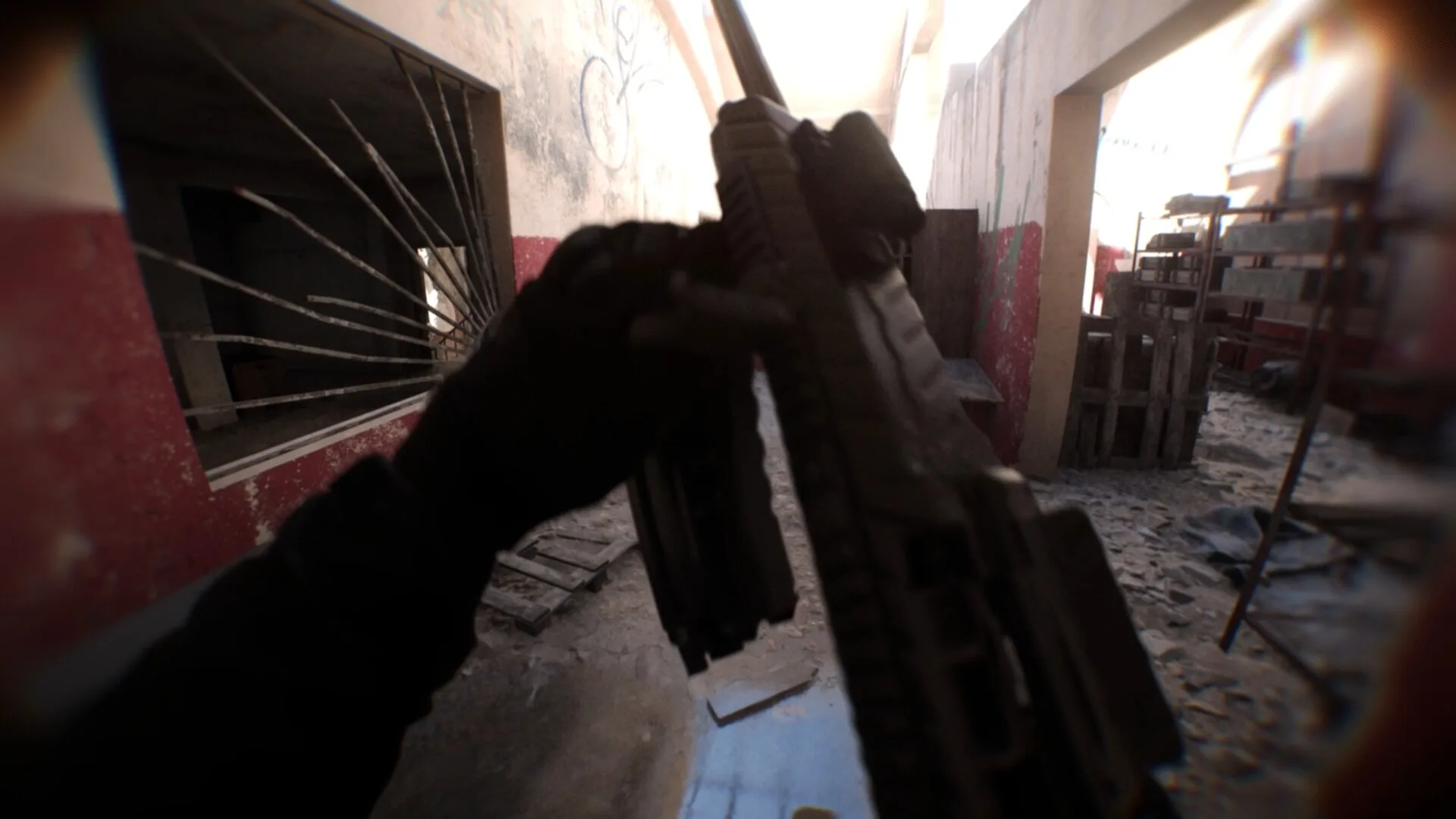
Tactical FPS · Visual clarity · Steam PC
Bodycam
Bodycam is a tactical multiplayer FPS from Reissad Studio built around a deliberately realistic action-camera presentation. This hub records the current PC and version scope, then routes visual-clarity problems to focused help.
- Edition
- v0.7.3 · v0.8 due Sep 2
- Guides
- 1 available
Recently updated
View all updatesHow to save your How to Fish game and use Steam Cloud
Save your current game before leaving, upload an existing save for another PC, and understand what the corruption backups can and cannot promise.
Bodycam Game Too Grainy? Fix Blur and Improve Visibility
Diagnose excessive grain and softness without erasing Bodycam's intended action-camera look, using current-version checks in a safe, reversible order.
How Palworld crossplay works across PC, Xbox, PS5, and Mac
Connect the current platform pool, choose between Community Server and direct-address routes, configure the server correctly, and isolate port or router failures.
Where to find Jetragon in Palworld 1.0
Reach Jetragon's relocated Level 70 Alpha island northwest of Sunreach, use the current coordinates, and avoid wasting a trip to the old Mount Obsidian spawn.
About this guide library
Practical help for the moment progress stops.
Move from a blocked quest, missing item, failed connection, or unclear route to the exact next action. Browse a game hub, open the matching task, and use current locations, setup choices, and recovery checks to keep progressing.