
Multiplayer · Patch 1.0.10
How many players can play the How to Fish game?
- Reading time
- 5 minutes
- Difficulty
- Version-sensitive
- Checked
- 2026-08-28
On this page
Guide details
Before you begin
Current official lobby size, why Steam still says 1–4 players, how solo play works, and what to check when a friend cannot join.
The official How to Fish player limit checked against Patch 1.0.10, solo and host behavior, the historical four-player description, and current join-failure checks.
- Status
- Checked against official Steam news
- Edition
- Patch 1.0.10
- Platform
- Windows PC · Steam
- Checked
- 2026-08-28
- Check note
- Patch 1.0.4 added native support for eight-player lobbies; Patch 1.0.10 was the newest official post at the time of this check.
Before you set out
Prerequisites#
- Every player should restart Steam and install the same current game version.
- The host needs a loaded save and a visible online session before sending invites.
- Use a private lobby for invite-only play or a regular multiplayer session when troubleshooting discovery.
Visual reference
Official lobby limit at a glance#
Route kit
Official support versus old mod advice#
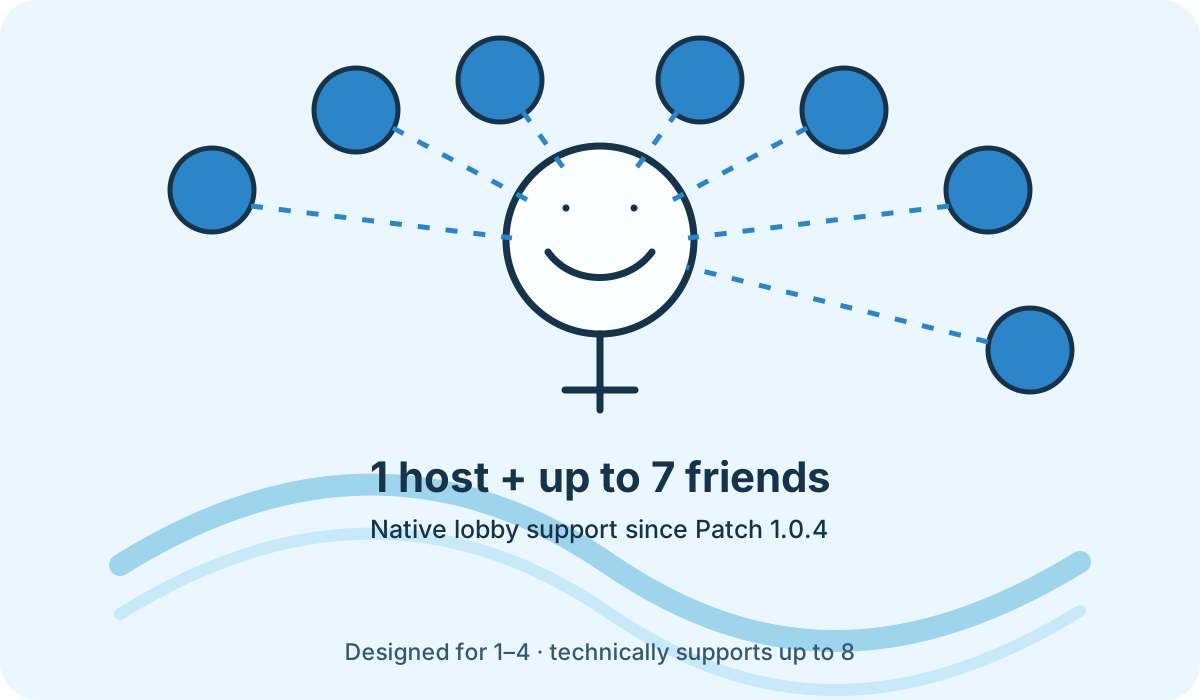
The native game limit changed quickly after launch, so older results now describe a workaround that is no longer required for eight players.
| Item | Need | Why it matters |
|---|---|---|
| Patch 1.0.4 or newer | Required | Adds official support for lobbies of up to eight players. |
| Eight-player Nexus mod | Optional | No longer needed merely to reach eight players; third-party modifications can introduce version and support risk. |
Route 03
How to host and join a clean lobby#
Start with the smallest working session, then add the rest of the group after the host is visible and stable.
Update and restart Steam#
Have the host and every joining player close the game, restart Steam, and confirm no How to Fish update remains queued.
Load the host save first#
The host should load the intended save, create the online session, and wait until the game is responsive before sending an invite.
Test with one joining player#
Invite one friend and confirm they reach the world. If that works, add the remaining players one at a time so a single failing client is easy to identify.
Change session type only before restarting#
Patch 1.0.5 added private lobbies and an in-game session-type option that requires a restart after changing it.
Fault ledger
If a player cannot join#
- The invite returns the player to the title screen
- Confirm the host has fully loaded the save, recreate a regular multiplayer session for one test, and verify both clients run the same patch.
- A black screen appears while joining
- Restart Steam, update the game, and test one clean invite. Patch 1.0.4 addressed a join black screen, while Patch 1.0.9 added a Steam Relay connection indicator.
- Steam Relay text is red on the main menu
- Treat this as a Steam connection initialization failure before rebuilding the lobby; follow the developer's current common-bugs guidance.
- Only four slots appear in an old guide or store description
- That number describes the intended 1–4 player design. Official technical support increased to eight in Patch 1.0.4.
Field questions
How to Fish multiplayer questions#
- Can you play How to Fish solo?
- Yes. One player can host and progress alone; co-op is optional.
- Do eight players need a mod?
- No. Patch 1.0.4 added native support for up to eight-player lobbies.
- Why does Steam call it a 1–4 player game?
- That is still the developer's intended group size, while the networking layer now supports as many as eight.